
My Descent Into Retro Gaming (and the War With Modern TVs)

Like a lot of people, I hit a point where nostalgia started pulling harder than cutting-edge graphics. I grew up on original Nintendo, Nintendo 64, early Xbox, and eventually Xbox 360. Those consoles shaped how I think about games. So I decided I wanted them back — not in boxes, not half-working in a closet, but usable, accessible, and family-friendly.
The physical part was easy. I grabbed an IKEA cube shelving unit, stacked the consoles cleanly, mounted a TV above it, and suddenly had a dedicated retro corner that looked great.
Then reality hit.
Modern TVs Hate Old Consoles


The moment you try to connect anything older than HDMI to a modern TV, you learn fast: this isn’t plug-and-play anymore.
Most classic consoles output composite or component video. Modern TVs either:
- Don’t support those inputs at all
- Support them poorly
- Or “helpfully” apply sharpening, contrast boosts, and post-processing you absolutely did not ask for
That’s where my first workaround came in.
The AV Receiver Experiment (and Why It Failed)


I started by routing everything through a Denon AV receiver that supported RCA, component, and HDMI. On paper, this seemed perfect:
- One HDMI cable to the TV
- Centralized audio switching
- Cleaner cable management
Audio-wise? Fantastic.
Video-wise? Not great.
The scaling inside consumer AV receivers is primitive. Anything below 480p looked soft, noisy, or outright wrong. Older Nintendo consoles suffered the most — which was a problem, because Nintendo is my wife’s favorite and the one I wanted to work best.
On top of that:
- The receiver was half HDMI, half component
- I needed an HDMI switch anyway
- Nobody else could figure out how to turn things on correctly
At that point, I knew this wasn’t the solution.
The TV Problem Nobody Talks About


The TV itself became part of the problem.
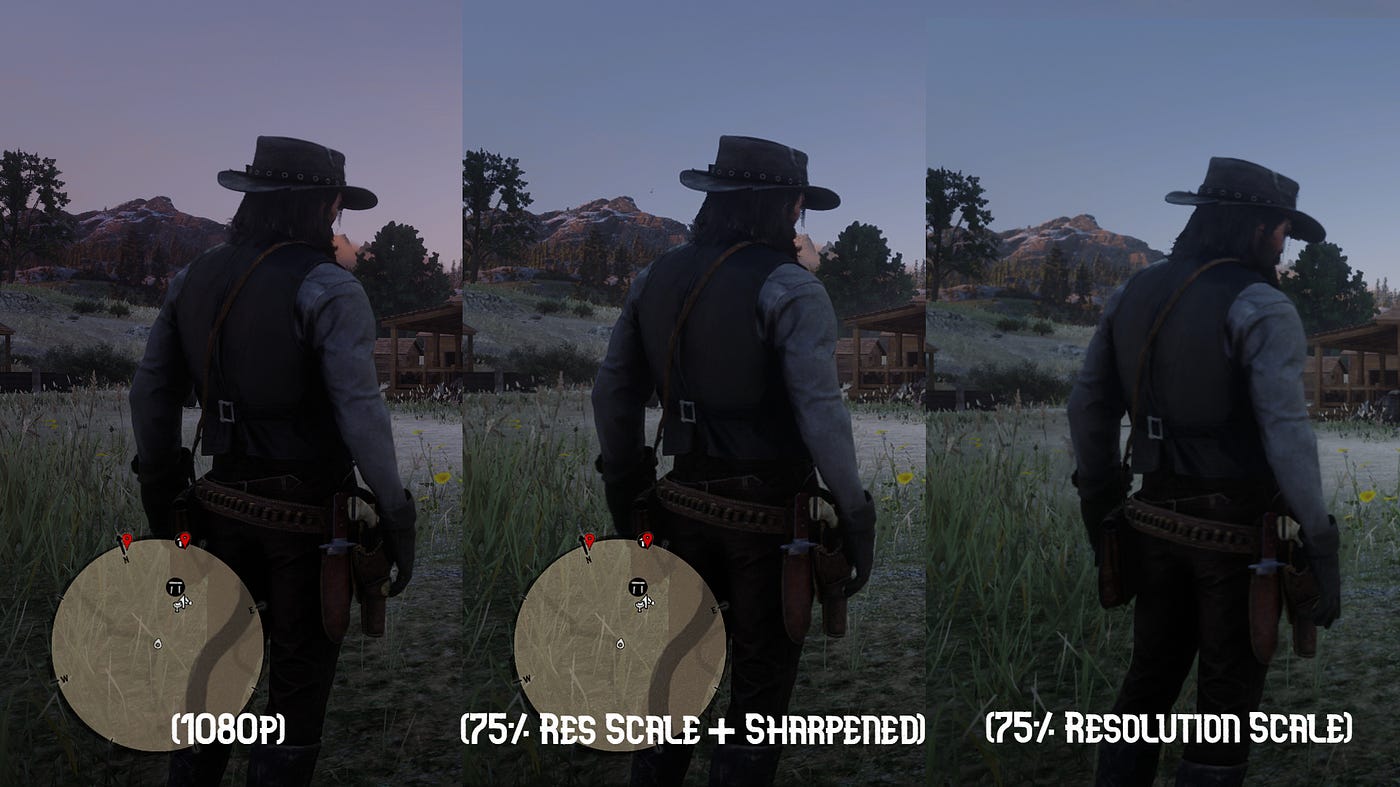
I’m using an older 4K Fire TV — it was leftover hardware, and it works — but not all TVs let you pass raw input cleanly. Many apply:
- Sharpening
- Edge enhancement
- Contrast manipulation
If you stack sharpening on top of sharpening (console → scaler → TV), you get visual artifacts fast. Ringing, halos, crushed pixels. I learned pretty quickly:
Only one device in the chain should be doing real scaling or sharpening.
Everything else should get out of the way.
Enter the Retro Scaler 2X
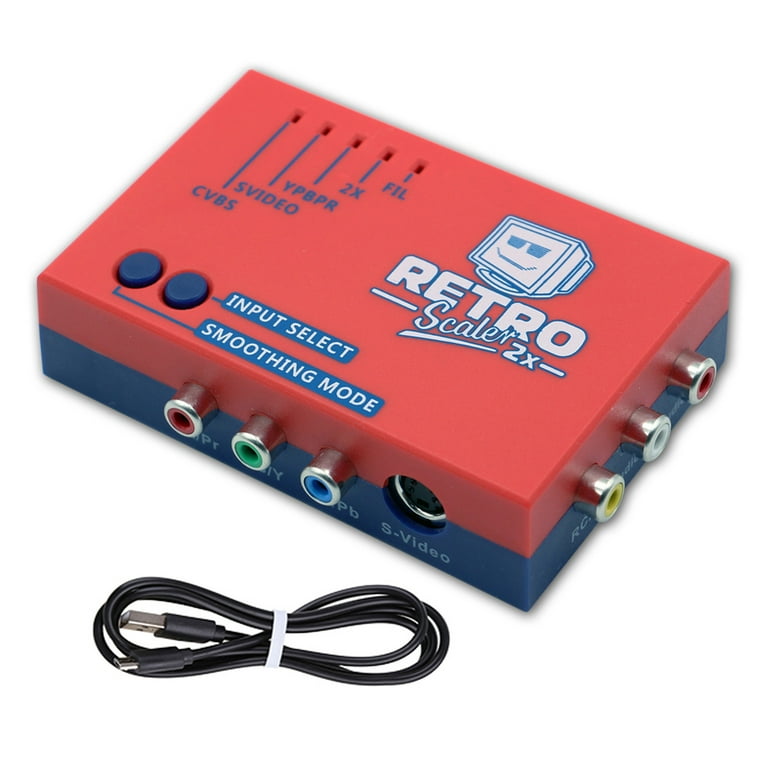
My first real improvement came from the Retro Scaler 2X.
For original Nintendo, this was a huge step forward:
- Line-doubles 240p → 480p
- Converts RCA to HDMI
- Optional smoothing that actually works
This solved several problems immediately:
- HDMI standardization
- Cleaner signal
- Less dependence on the TV’s garbage processing
So I leaned into it.
I started converting everything I could — original Xbox, Wii, other non-HDMI consoles — into HDMI so they all lived on the same platform.
It worked… but it still wasn’t right.
The 480p Ceiling
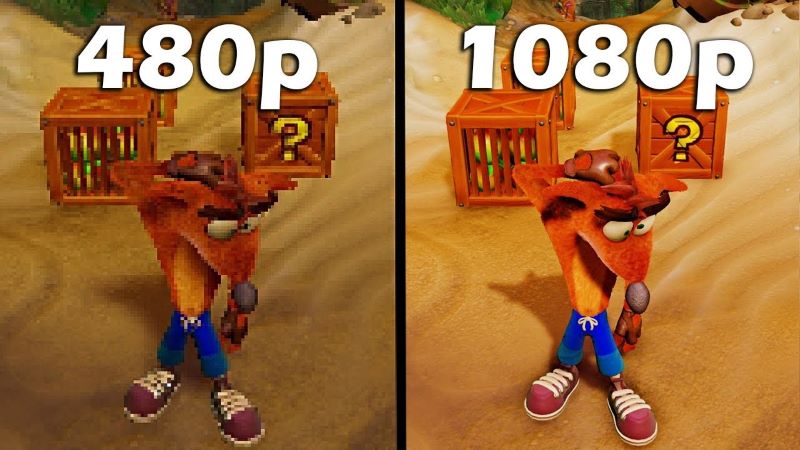

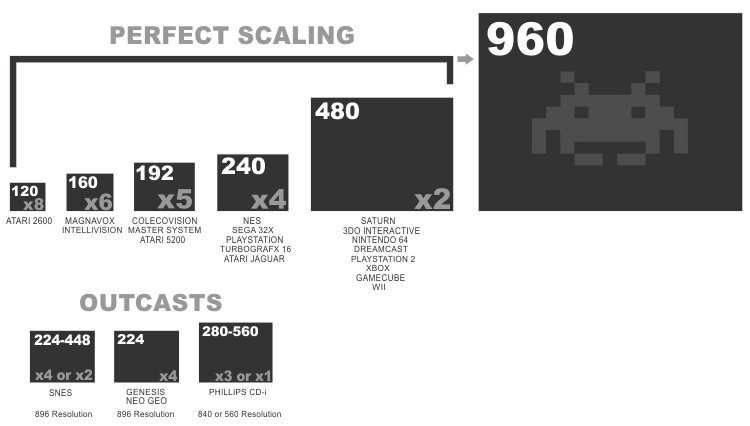
480p on a 4K panel is asking a lot.
Even with good line doubling:
- The TV still has to scale
- 4:3 content on widescreen introduces distortion
- The image never quite “locks in”
That’s when my professional background kicked in.
Borrowing From the Pro AV World

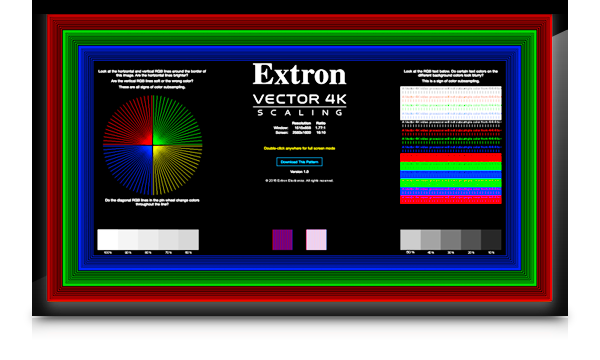

At work, I deal with conference rooms, classrooms, and high-end AV infrastructure. That’s where I’ve seen what real scaling looks like.
Extron’s Vector scaling is built for accuracy:
- No fake frames
- No invented detail
- No “AI magic” nonsense
It just preserves the signal correctly.
So I asked myself a simple question:
What if I standardized everything to 1080p before it ever touched the TV?
The Extron X.84 Setup
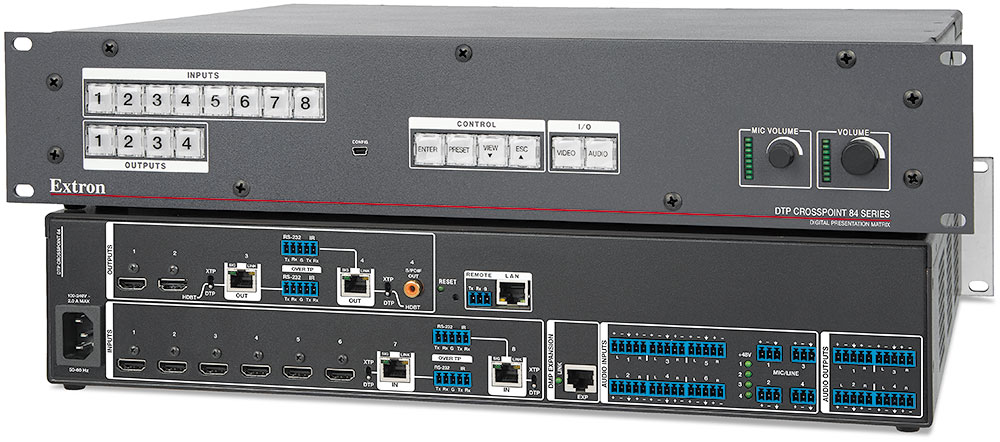
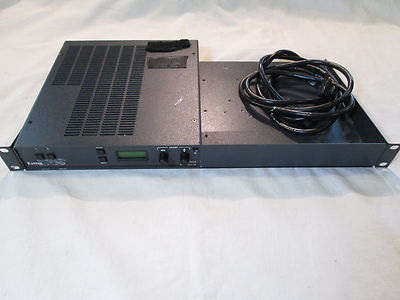
I tracked down an Extron X.84 at a reasonable price. It gives me:
- Tons of inputs
- Centralized switching
- Rock-solid scaling up to 2K
The catch?
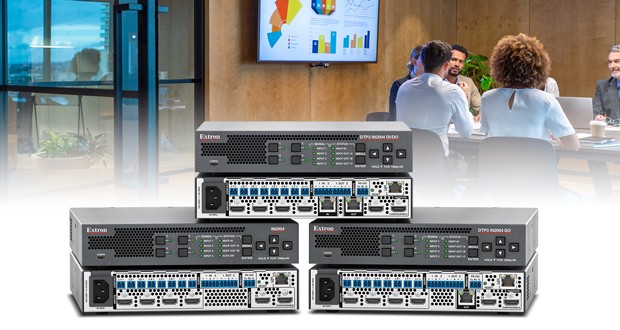
Scaling only outputs over DTP or Ethernet — not standard HDMI.
So I added a DTP receiver behind the TV.
Unexpected bonus:
- One clean cable run
- Full device control
- Rock-solid output
Now the chain looks like this:
- Console → Retro Scaler (line double only)
- Extron → single upscale to 1080p
- TV → minimal processing
Side-by-Side Reality Checks

I tested everything:
- Raw RCA → TV
- Retro Scaler only
- Retro Scaler line double
- Retro Scaler → Extron
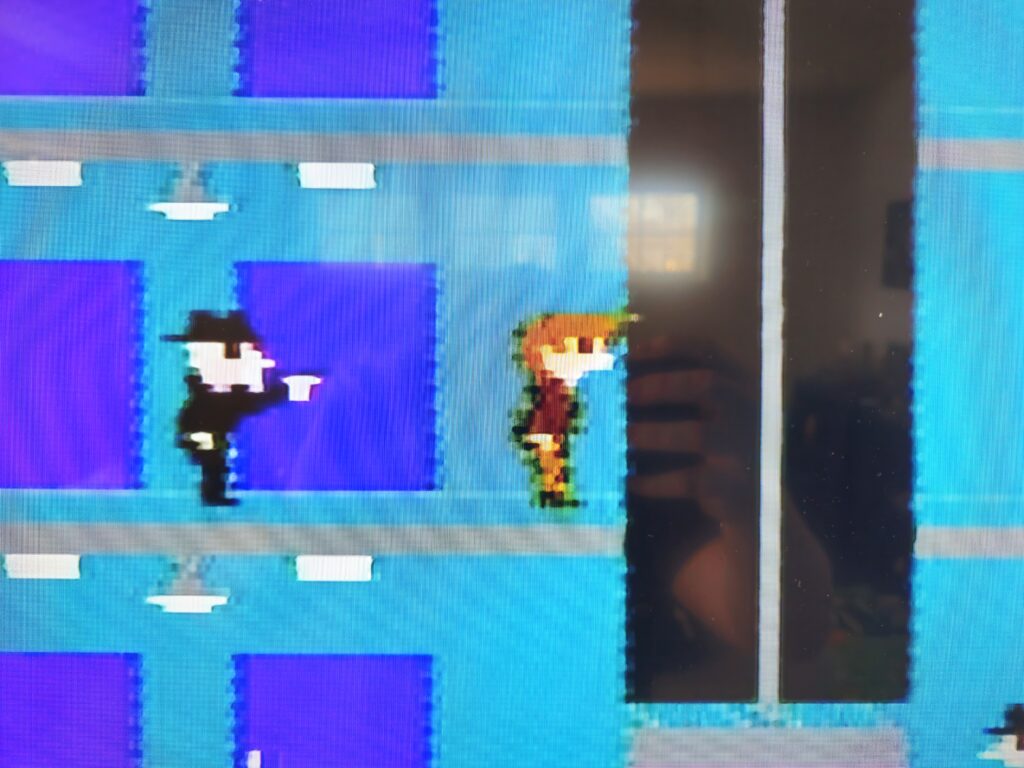
NES using RCA directly to TV
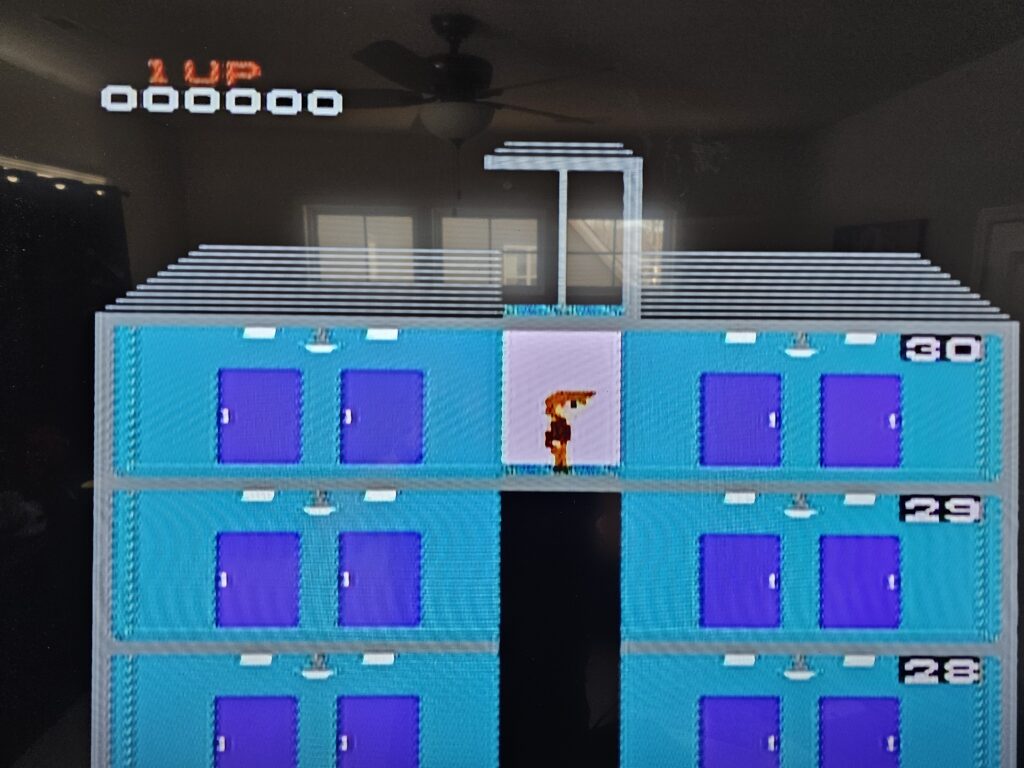
NES to RetroScaler2X no smoothing just line doubling to 480p
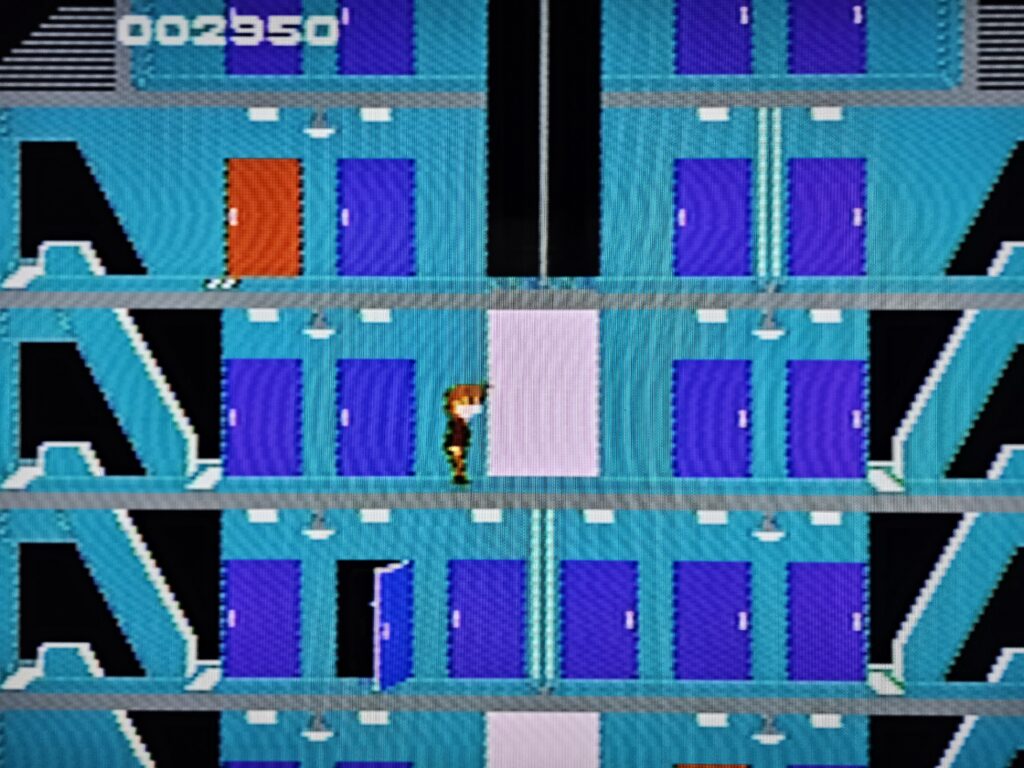
NES to RetroScaler2X with line doubling and smoothing to 480p
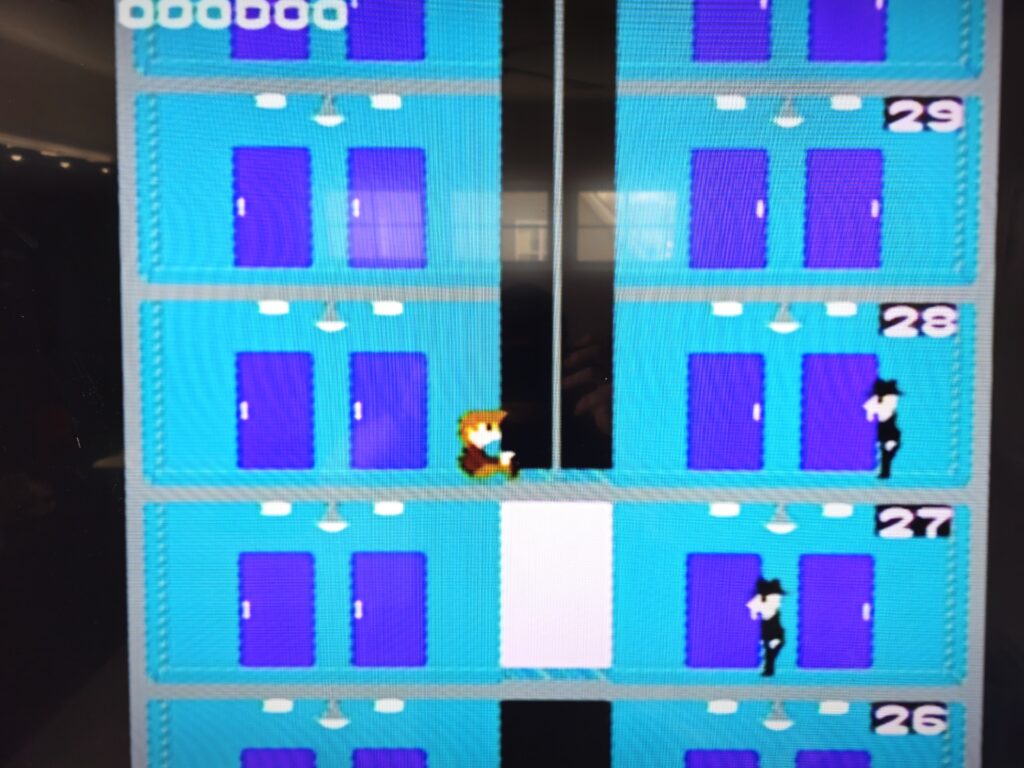
NES to RestroScaler2X with line doubling to Extron Crosspoint 84 scaled to 1080P
Every step got better.
Once I eliminated duplicate sharpening and let one device own the upscale, the image finally stabilized. No ringing. No weird edges. Just clean, accurate pixels that still look like the games I remember.
Where I’m At (Iteration One)
This isn’t the final setup. It’s the first real iteration of a proper retro gaming environment.
What I’ve learned so far:
- Consumer AV gear is not built for legacy video accuracy
- TVs actively work against you unless you control the chain
- Line doubling is good; uncontrolled scaling is not
- Pro AV gear solves problems gaming gear often creates
Next steps will be refining inputs, possibly moving to 1440p or testing different output profiles — but for the first time, the setup is usable, consistent, and something my family can actually operate without a walkthrough.
And honestly?
That’s the real win.