
I didn’t get into AI because it was trendy. I got into it because work forced me to.
Once AI started showing up in procurement conversations—“Should we buy this product?”, “This vendor has AI features”, “Can we turn on Copilot for staff?”—I realized pretty quickly that you can’t evaluate AI tools unless you understand how they actually behave. Not the marketing version. The real one.
That’s when I started paying attention to who the real players were: OpenAI with ChatGPT, Claude, and Microsoft’s growing stack of AI tools—especially Microsoft Copilot.
Enterprise AI Is Not the Same as Consumer AI
At work, we were using Copilot in an enterprise environment. That matters.
Enterprise Copilot is intentionally locked down:
- Limited or no web access
- Heavily scoped to your documents
- Designed to protect data first, be creative second
That’s fine—but it also means it’s not great at greenfield writing unless you feed it very specific source material. If you don’t give it something to work from, it struggles. Early Copilot versions also lacked features like projects or notebooks—ways to group related conversations, uploads, and formatting rules together.
That limitation was frustrating enough that I paid for my own ChatGPT license.
Learning AI Felt a Lot Like Learning Google (Back in the Day)
One analogy I keep coming back to when explaining AI to people:
Learning AI is a lot like learning how to Google used to be.
Older folks remember this:
- Quotation marks for exact matches
- Boolean logic
- Forcing search engines to behave
AI works the same way.
Your results live or die based on:
- How precise your wording is
- How much context you provide
- Whether the model you’re using is even capable of what you’re asking
There is no “one AI that does everything well.” Sometimes you’re asking the wrong question. Sometimes you’re asking the right question to the wrong model.
That realization alone changed how I teach AI to others as an IT professional.
Why I Gravitate Toward ChatGPT Projects
When ChatGPT introduced projects (or notebooks), something clicked.
Projects let you:
- Maintain consistent tone and formatting
- Upload reference documents once
- Build on prior context without starting over
That’s a huge deal if you’re doing repeatable work—documentation, policy drafts, scripts, blog posts, or structured creative projects.
It’s also where I started having fun.
AI as a Creative Tool (Not Just a Work One)
Once I stopped treating AI like a productivity checkbox, things got interesting.
I started experimenting with music tools—making songs about my family, inside jokes, motivational themes. I ended up with something that’s basically a private family album sitting on YouTube Music. That alone sold me on AI as a creative amplifier, not just an office assistant.
Then I saw people creating AI characters on social media and thought, “Alright, how hard can that be?”
Turns out: very hard—if you want it done well.
I landed on OpenArt because it gave me access to multiple image models. That flexibility mattered. Different models behave very differently.
My first character was one of my wife’s stuffed animals. Early attempts were awful:
- Proportions wrong
- Face off
- Weird poses
But iteration matters. Over time, I learned:
- How to write master prompts
- How to define character behavior
- How to lock down visual consistency
That trial-and-error process taught me more about AI than any tutorial ever could.
Using AI Visibly (and Honestly) at Work
One of the more interesting experiments came during a work presentation.
I decided to generate every image in the deck using AI and put a disclaimer on the first slide saying exactly that.
What followed was predictable—and useful:
- Logos were wrong
- People had missing eyes
- Someone ended up with three feet
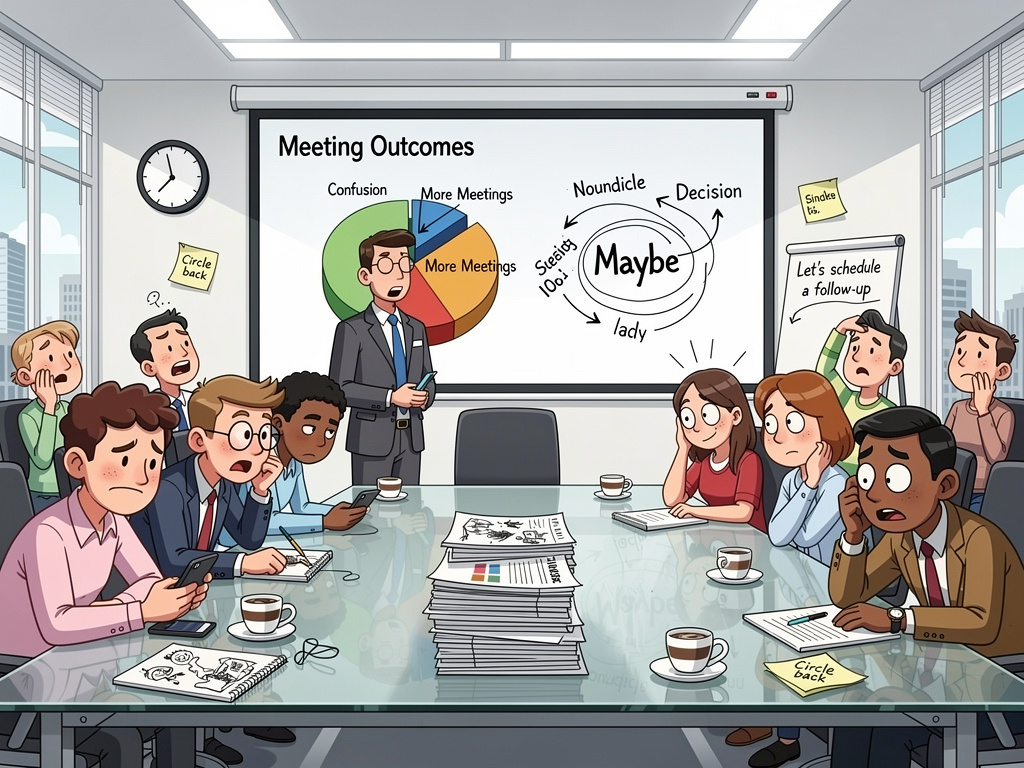
Instead of hiding it, I talked about it during the presentation. I explained which models I used, why some worked better than others, and how much iteration it took to get usable results.
The outcome surprised me:
People were more engaged, not less.
AI wasn’t treated as magic—it was treated as a tool with clear strengths and obvious weaknesses. That honesty mattered.
Where AI Actually Helps Me Day to Day
At this point, AI is just part of how I work:
- Drafting emails when I know I sound too harsh
- Asking for tone adjustments instead of rewrites
- Reviewing scripts to explain what they’re doing
- Generating starter code or pseudocode
- Brainstorming when I’m stuck
But I never assume it’s right.
That’s the key lesson.
The Real Lesson: AI Rewards Intentional Users
AI is not a replacement for thinking. It’s a multiplier.
If you:
- Don’t verify outputs
- Don’t understand its limitations
- Expect perfection
You’ll be disappointed.
If you:
- Treat it like an assistant, not an authority
- Learn how different models behave
- Iterate instead of expecting magic
It’s phenomenal.
AI doesn’t remove responsibility. It amplifies it.
And honestly? That’s exactly how it should work.