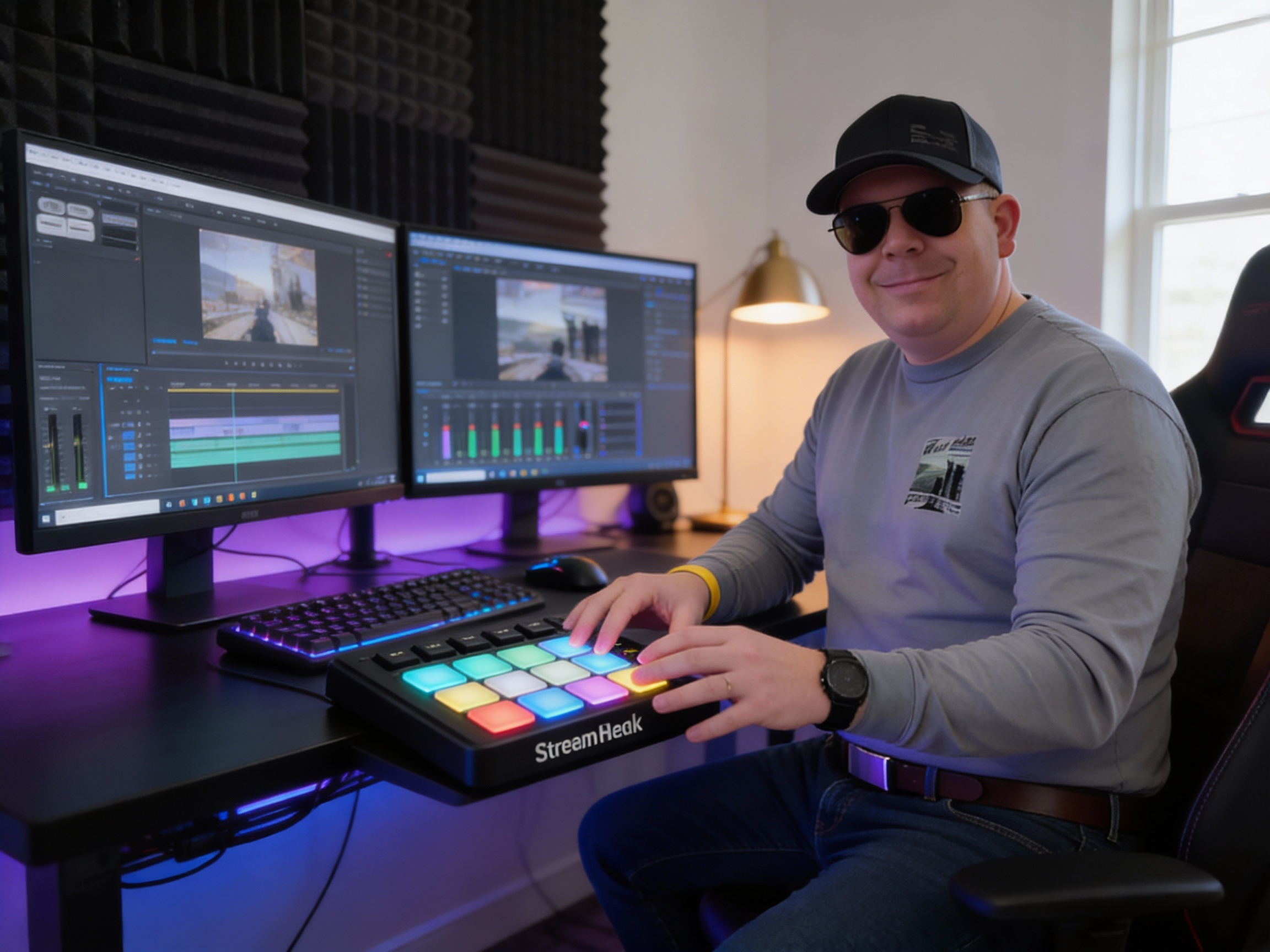
Why the Elgato Stream Deck Is One of the Most Powerful Productivity Tools You Can Own
At first glance, the Stream Deck looks simple: a small grid of customizable buttons with tiny screens. In reality, it’s one of the most flexible control surfaces you can put on your desk. Whether you’re a streamer, content creator, IT professional, educator, or just someone who loves efficient workflows, the Stream Deck can fundamentally change how you interact with your setup.
This isn’t just about streaming. It’s about control.
The Different Types of Stream Decks (and Who They’re For)
Elgato offers several Stream Deck models, each targeting a slightly different use case:
Stream Deck Mini
Small, affordable, and perfect for getting started. Great for simple shortcuts like muting your mic, launching apps, or triggering common actions.
Stream Deck (Standard)
The sweet spot for most users. Enough buttons to build multi-layer workflows without overwhelming your desk.
Stream Deck XL
If you want everything visible at once—scenes, audio controls, macros, lighting, smart home commands—this is the power user option.
Stream Deck Plus
Adds rotary dials and a touch strip. This is a game-changer for audio levels, camera zoom, exposure control, and smooth adjustments that just don’t feel right on a button.
Each model uses the same core software and plugin ecosystem, so upgrading later is painless.
What Makes the Stream Deck So Powerful?
Deep Software Integration
The real magic comes from how well the Stream Deck integrates with other tools. With official plugins and a massive community ecosystem, you can control almost anything.
🎥 OBS Control
If you use OBS Studio, the Stream Deck feels like it was built for it:
- Switch scenes instantly
- Start/stop streaming or recording
- Toggle sources on and off
- Adjust audio filters or levels on the fly
No more frantic mouse clicks mid-stream.
🎧 Audio Control
You can:
- Mute/unmute microphones
- Adjust system, app, or interface volume
- Switch audio devices
- Control mixers like Wave Link or other virtual audio setups
With dials on the Stream Deck Plus, audio adjustments feel natural and precise.
💬 Discord & Communication Tools
With Discord, you can:
- Mute/deafen yourself
- Jump between voice channels
- Trigger push-to-talk or stream-specific actions
This is huge if you’re gaming, presenting, or collaborating live.
📷 Camera Control
Using supported cameras or control software, you can:
- Zoom in and out
- Adjust focus, exposure, or white balance
- Toggle camera sources for live production
This is especially powerful for educators, podcasters, and hybrid meeting setups.
Beyond Streaming: Where Stream Deck Really Shines
The Stream Deck stops being “just for streamers” once you explore what else it can do:
🏠 Smart Home & Lighting Control
With plugins and integrations, you can control:
- Studio lights and key lights
- Room lighting scenes
- Smart plugs and automation
One button press can switch your entire room from “office” to “on-air.”
🖥️ Productivity & IT Workflows
For power users:
- Launch scripts and macros
- Run PowerShell or shell commands
- Trigger complex multi-step workflows
- Open dashboards, tools, or admin consoles instantly
If you live in repetitive tasks, this thing pays for itself.
The Secret Sauce: Plugins, Profiles, and Layers
The Stream Deck isn’t limited by its button count:
- Folders and pages let one button turn into dozens
- Profiles switch automatically based on the app you’re using
- Community plugins expand functionality constantly
If something can be automated, there’s a good chance someone has already built a plugin for it.
Final Thoughts: The Stream Deck Rewards Effort
Here’s the honest truth: the Stream Deck isn’t magic out of the box. It’s powerful because it rewards time spent learning and experimenting. The more effort you put into building profiles and workflows, the more indispensable it becomes.
Once you’ve experienced:
- Muting mics without thinking
- Switching scenes instantly
- Adjusting audio and cameras with muscle memory
- Controlling software and hardware from one place
…it’s very hard to go back.
If you’re willing to tinker, explore plugins, and think intentionally about your workflow, the Stream Deck isn’t just a nice accessory—it becomes the command center of your entire setup.